

Prerequisites
To follow the steps on this page:- Create a target with the Real-time analytics capability enabled. You need your connection details. This procedure also works for .
- Download and install qStudio.
Connect qStudio to your
To connect to :- Start qStudio
-
Click
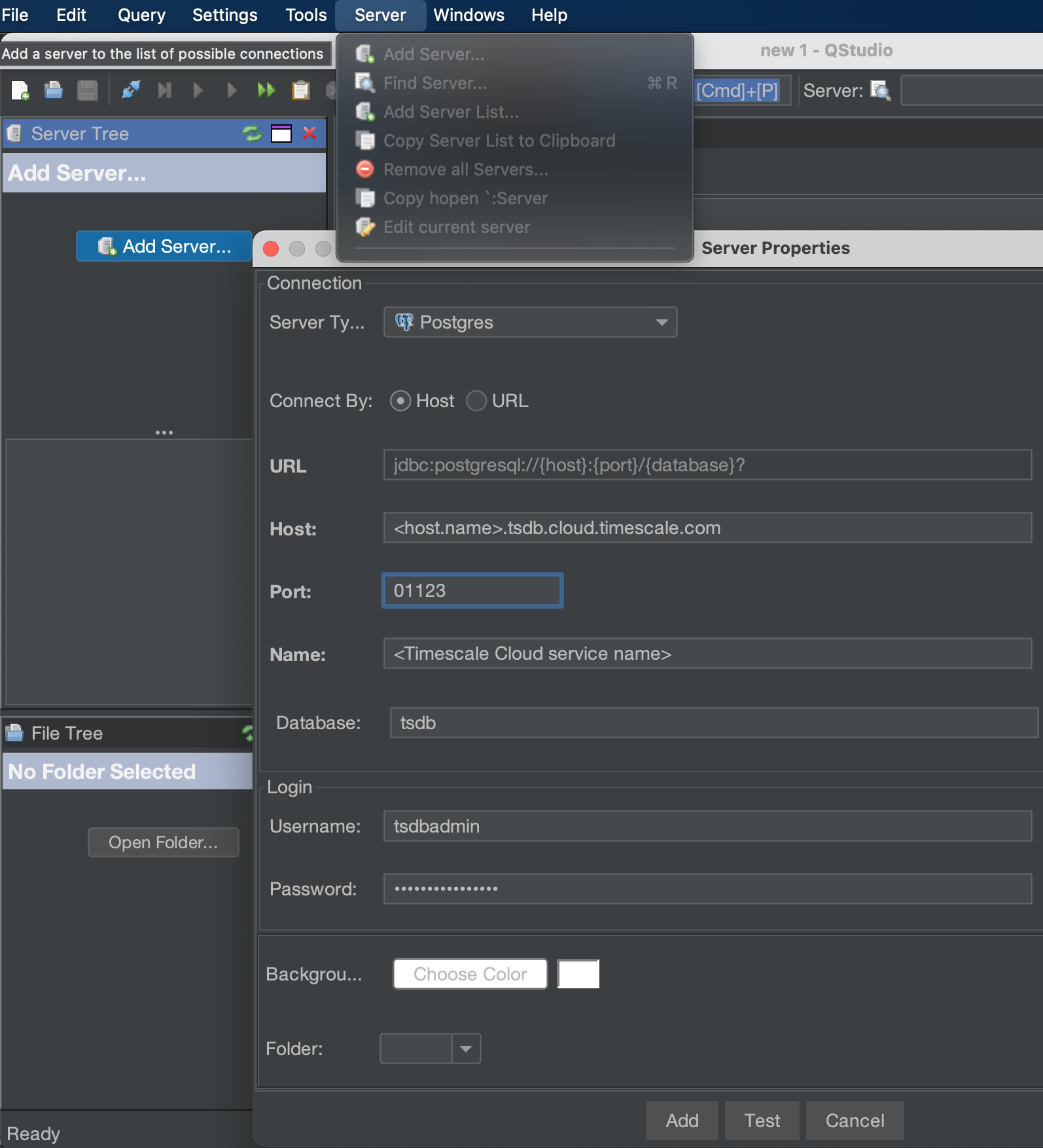
Server>Add Server -
Configure the connection
- For
Server Type, selectPostgres. - For
Connect By, selectHost. - For
Host,Port,Database,Username, andPassword, use your connection details.
- For
-
Click
TestqStudio indicates whether the connection works. -
Click
AddThe server is listed in theServer Tree.